Speed and troubleshooting (14) Setup by device (8) Protocols and how it works (19) Privacy and safety (14) Countries and access (7) More (7)
Speed and troubleshooting

 Security
How to Check If Your Password Was Leaked, Safely
Check a password for leaks without sending it anywhere: five hash characters leave your browser, nothing else. What to change first if it turns up.

 Privacy
Photo Metadata: What Your Photos Reveal and How to Remove It
EXIF data holds the exact location, camera serial and time to the second. How to view it, remove location from a photo and stop your phone writing it.
 Explainer
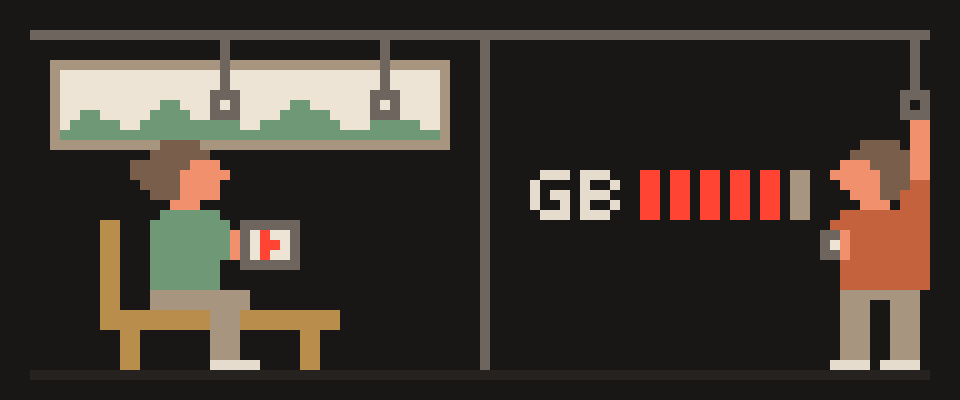
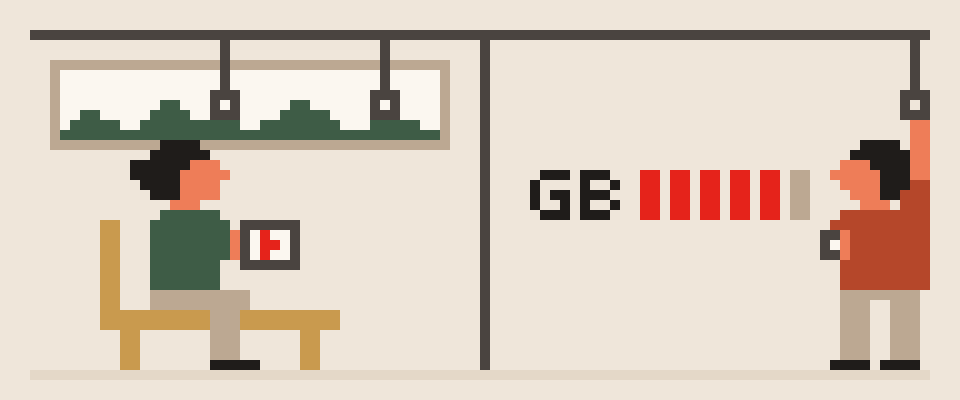
How Much Mobile Data Do I Need Per Month? Calculator Inside
Video decides it: SD, HD and 4K differ a lot per hour. Estimate your month from what you actually do, with our calculator, and see what a VPN adds.

 Troubleshooting
VPN on iPhone Won't Turn Off? Find the Profile
An iPhone VPN that switches itself back on is one of four profiles. A two-minute diagnosis to find which, how to stop it, and how to remove it for good.

 Troubleshooting
VPN Not Working in China? Fix It by Symptom, Step by Step
VPN not working in China? Usually a recognized protocol, an app never installed, or a bad day. Each symptom, the fixes in order, and when to use roaming.

 Troubleshooting
eSIM Not Working in China? Six Checks, in Order
Your eSIM shows no data after landing in China. What to check first, which setting fails silently, and how to tell a carrier block from a phone setting.

 Troubleshooting
Why Does My VPN Keep Disconnecting? 8 Causes and Fixes
A VPN that drops every few minutes has a specific cause: battery optimization, a network switch, an idle timeout or a crowded server. Eight, in order.

 Explainer
What Internet Speed Do I Need? Streaming, Calls, Games
How many megabits HD and 4K video, video calls, games and downloads take, how to add it up for a household, and how to check your real speed.

 Troubleshooting
VPN Not Working on Wi-Fi but Works on Data? 9 Fixes
When a VPN connects on mobile data but fails on one Wi-Fi network, the network is breaking the tunnel. Nine causes, from captive portals to MTU and DNS.
 Troubleshooting
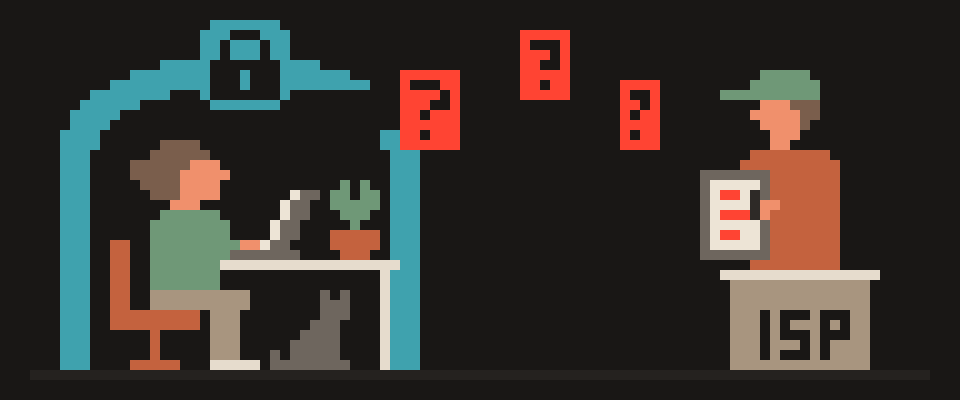
Is My DNS Leaking? How to Check in Two Minutes and Fix It
A DNS leak means your VPN is on but your ISP still sees every site you visit. How to test for it, why it happens on each system, and how to fix it.

 Guide
Guide
How to Test Internet Speed: Download, Ping, Jitter Explained
How to test speed in ten seconds from your browser, what download, ping and jitter mean, why tests disagree, and how to compare with and without a VPN.

 Explainer
Does a VPN Use More Data? How Much, and 6 Ways to Cut It
A VPN adds a few percent of overhead, not double. Where the extra comes from, how to measure it on iPhone and Android, and six ways to cut usage.

 Explainer
Does a VPN Slow Down Your Internet? Why, and How to Fix It
A VPN adds encryption and a detour, so some slowdown is normal. Where the speed really goes, when a VPN can be faster, and a checklist for fixing it.

 Explainer
Does a VPN Drain Your Phone's Battery?
A VPN uses power for encryption and for keeping the tunnel alive, but on a modern phone it is a small share. What drains it, and what settings help.
Setup by device

 Setup
Setup
VPN for China on a Laptop: Windows and Mac Before You Fly
Hotel Wi-Fi in China is Chinese internet. Which clients take a plain key on Windows and macOS, system-wide vs browser-only, and what to test at home.

 Setup
Setup
VPN for China on iPhone: Set It Up Before You Fly
What to prepare before the flight and what to fix after landing: profiles, Connect On Demand, the eSIM data line, Private Relay, and the order to check.

 Guide
Guide
What Is VPN on iPhone and Should It Be On or Off?
What the VPN entry in iPhone Settings means, what "Add VPN Configuration" grants, whether to leave it on, and how to remove one you did not add.

 Guide
Guide
VPN on a Smart TV: Samsung, LG, Android TV, Apple TV
Android TV and Apple TV have VPN apps; Samsung and LG do not. How to connect each, what to watch for with speed and DNS, and how to confirm it works.

 Explainer
VPN on Router vs VPN App on Each Device: Which Is Better?
A VPN on the router protects every device but costs speed. An app on each device is faster and more precise. How to decide, and when to use both.

 Guide
Guide
How to Set Up WireGuard on Windows, Mac, iPhone and Android
WireGuard is a ten-line config and a QR code. What each line means, clients for every platform, the two Windows gotchas, and why handshakes fail.

 Guide
Guide
How to Set Up a VPN on Android So It Stays On
Installing the app takes a minute; surviving battery optimization takes three more settings. Always-on VPN, Private DNS, split tunneling and a leak check.

 Security
How to Secure Your Home Wi-Fi: 10 Settings, 15 Minutes
Admin password, WPA3, disable WPS and UPnP, guest network for smart devices, firmware, DNS. A fifteen-minute checklist that needs no new hardware.
Protocols and how it works
 Explainer
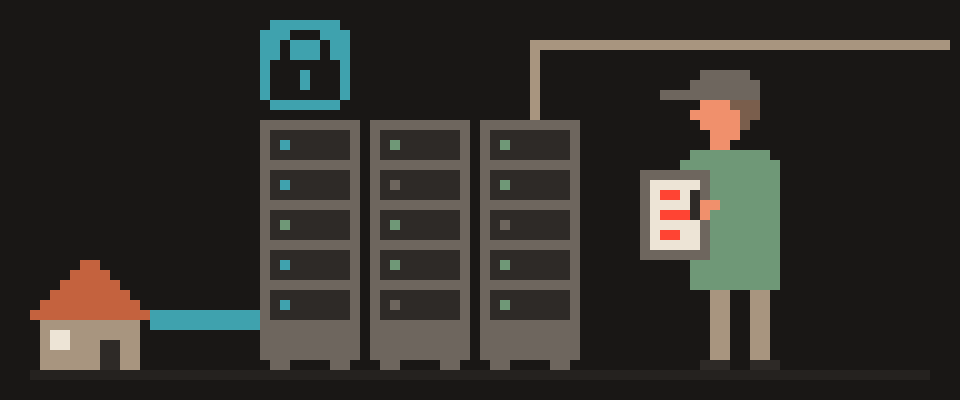
What Is a VPN Server and How Does It Work?
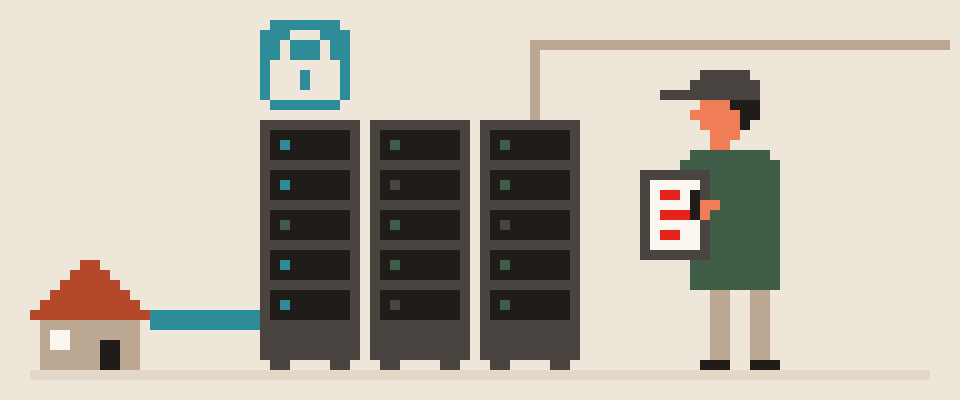
A VPN server is the machine your tunnel ends at. What it does with your traffic, what it necessarily sees, and why its location decides your speed.

 Explainer
WireGuard vs Tailscale: Same Engine, Very Different Car
WireGuard vs Tailscale: Tailscale runs on WireGuard and adds keys, NAT traversal and identity. What each is for and how to pick.
 Explainer
VPN vs ZTNA: Is the Corporate VPN Dead? Minus the Buzzwords
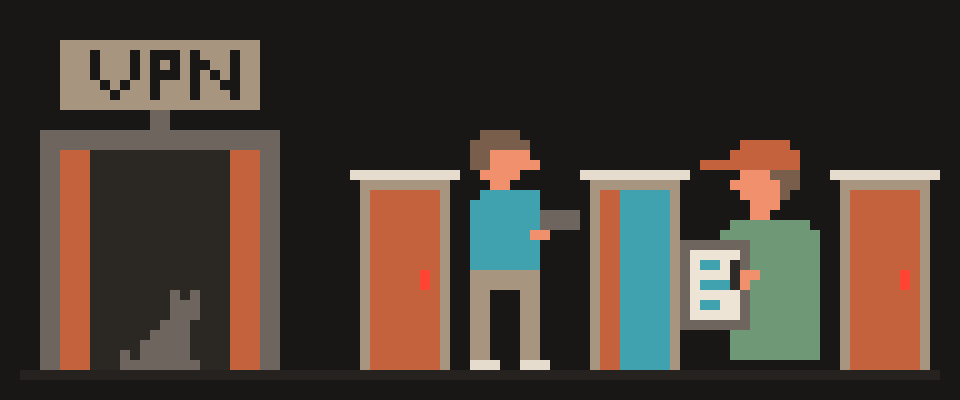
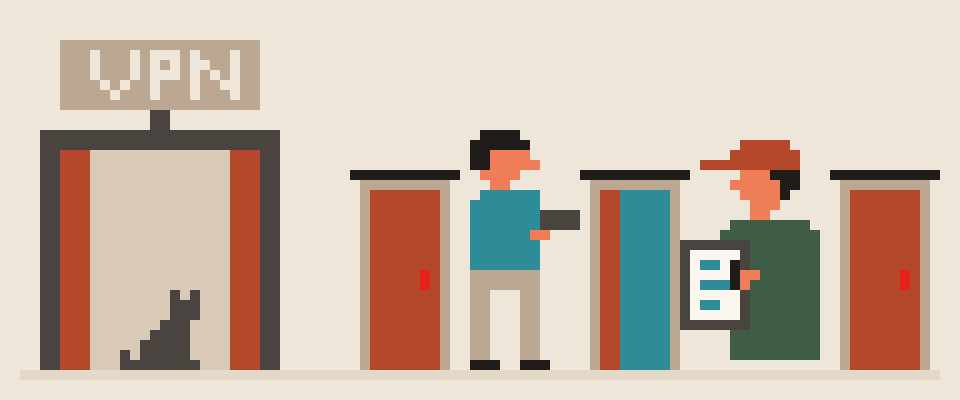
VPN vs ZTNA in plain language: one puts your device on the network, the other lets you into one app at a time. Where each breaks and what changes for you.

 Explainer
VPN vs VPS: Why Nerds Roll Their Own, and Whether You Should
VPN vs VPS: a server you run versus a service someone runs for you. What rolling your own buys, what it costs, and who is better off with which.

 Setup
Setup
Home VPN: Access Your Home Network From Anywhere
How to VPN into your home network from anywhere: WireGuard on the router or NAS, carrier NAT fixes, the mesh option and mistakes to avoid.

 Security
Is WireGuard Secure? What 4,000 Lines of Code Buy You
Is WireGuard secure? Fixed modern crypto, a small audited codebase. What it protects, what it leaves to you, and how to check your setup.

 Explainer
WireGuard vs OpenVPN: Speed, Security, Which to Use
How much faster is WireGuard than OpenVPN? Measured numbers from lab and real-world tests, where the gap is widest, and when OpenVPN catches up.

 Explainer
VLESS and Reality VPN Explained: Why It Looks Like HTTPS
VLESS is a lightweight tunnel protocol; Reality makes it look like ordinary HTTPS to a real site. Why they pass networks that block WireGuard and OpenVPN.

 Explainer
What Is Split Tunneling in a VPN and When to Use It?
Split tunneling sends some apps through the VPN and the rest directly. How it works, when it helps, when it is a risk, and how to set it up on each system.

 Explainer
What Is Double VPN (Multi-Hop) and Is It Worth It?
Multi-hop routes traffic through two servers, so neither sees both ends. What it protects, the speed cost, and how it differs from Tor.
 Guide
Guide
Should You Change Your DNS? What It Does, 1.1.1.1 vs 8.8.8.8
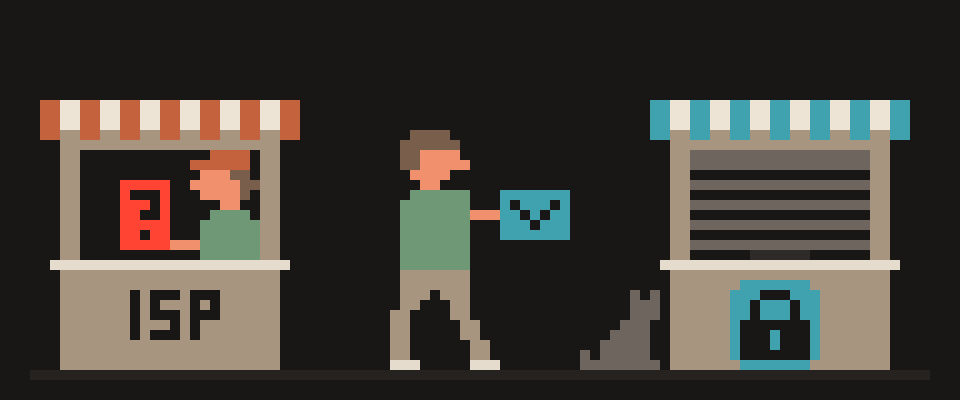
DNS turns a name into an address, and by default that question goes to your ISP in plain text. How 1.1.1.1 and 8.8.8.8 differ, and how to encrypt it.

 Explainer
What Is a VPN Kill Switch and How to Test It
A kill switch blocks traffic the moment the tunnel drops, so nothing leaks to the open network. How it works, why Android has two, and how to test it.

 Explainer
What Is a VPN and How Does It Work? Plain-English Guide
A VPN puts an encrypted tunnel between you and a server. Your ISP sees one connection, sites see the server. What it protects, and what it doesn't.

 Security
What Does the HTTPS Padlock Actually Mean?
The padlock means encrypted, not honest: phishing pages have HTTPS too. What TLS protects, how to read warnings, and what your ISP still sees.

 Explainer
VPN vs Proxy vs Tor: The Difference and Which to Use
A proxy changes your address for one app, a VPN encrypts the whole device, Tor routes through three relays. Who sees what, and which fits which situation.

 Explainer
VPN vs Antivirus: What Each One Protects
A VPN protects your traffic; an antivirus protects the device from files. Neither does the other's job. Where they overlap, and when built-in is enough.

 Guide
Guide
Workplace VPN vs Personal VPN: What Each Sees, Running Both
A company VPN reaches the office network; a personal one protects your traffic. What each sees, and how to run both on one laptop without conflicts.

 Security
Two-Factor Authentication: SMS vs App vs Security Key
Two-factor authentication protects an account even when the password leaks. Which method resists SIM swapping and phishing, and what to enable first.

 Explainer
Dedicated IP vs Shared IP VPN: Who Needs Which
A shared IP is better for blending in but worse for logins and captchas. A dedicated IP is stable and reputable, but less anonymous. Which fits what.
Privacy and safety

 Security
How to Send a Password or File Securely
A password sent in a messenger stays there forever. Four ways to send a secret so it ends up nowhere but with the recipient, all from the browser.

 Explainer
Does a VPN Hide Your IP Address? And What It Doesn't Hide
A VPN replaces your IP with the server's, so sites see that one. It does not hide your identity, your fingerprint or what you type in. How to check.

 Security
Is a VPN Safe? Five Ways It Makes Things Worse
Is a VPN safe? Depends on whose server, what it logs and whether your leaks are closed. Five ways a tunnel makes things worse, and a ten-minute check.

 Explainer
eSIM, Roaming or Local SIM in China: What Actually Differs
In China, roaming, a travel eSIM and a local SIM differ in where your data exits. Why foreign apps work on roaming without a VPN, and which one to pick.

 Explainer
Does Your ISP See Incognito? Spoiler: Yes, All of It
Does your ISP see incognito? Yes. Private mode only stops your device remembering. What the ISP sees and what actually hides browsing.

 Guide
Guide
Who Is on My Wi-Fi? See Every Device and Kick Off Strangers
How to view every device on your home network, tell which one is a stranger, and make sure they do not come back: new password, WPA3, guest network.

 Explainer
What Does No-Logs VPN Mean, and How to Verify It
No logs can mean anything from keeping nothing to keeping everything except the word logs. What a serious policy must list, and the questions to ask.

 Explainer
What Can Someone Do With My IP Address?
An IP reveals your country, city and ISP, not your street or name. What sites can actually learn, the one real risk, and how to check what yours shows.

 Explainer
What Can My ISP See? With and Without a VPN, Honestly
Your provider sees the domains you visit, when, and how much data you move, even on HTTPS. What changes with a VPN, and what the VPN provider sees instead.

 Security
Password Managers: How to Choose and Not Lose Everything
Reusing one password is the most common cause of account takeovers. Browser vs cloud vs local, what to look for, and how to migrate without losing access.

 Guide
Guide
Is a VPN Legal? Country Rules for Travelers in 2026
VPNs are legal in most of the world, restricted in some countries and banned in a few. What restricted actually means, and what to check before you travel.

 Security
Is Public Wi-Fi Safe? What Strangers Can Actually See
HTTPS made public Wi-Fi safer, but the network still sees which sites you visit and fake hotspots work. What is visible, and six rules before you join.

 Explainer
Free VPN: What It Actually Costs You
Servers cost money, so a free VPN pays for itself with your data, bandwidth or ads. How to tell a funded free tier from an app with no visible business.

 Privacy
Browser Fingerprint: What It Is and Why a VPN Can't Hide It
A fingerprint combines fonts, GPU, screen and time zone into an ID that survives a VPN and a cookie wipe. Why a VPN cannot hide it, and how to check yours.
Countries and access

 Explainer
Do You Need a VPN With a Travel eSIM in China?
Not for your usual apps while the eSIM is your data line. The four cases where you still do, and how a VPN and a travel eSIM work together.

 Experience
VPN Apps From the App Store Don't Work in China. This Did
Nine months in China: every App Store VPN app failed within days. What worked was a plain key pasted into Happ. Why, and how to set it up before you fly.

 Guide
Guide
VPN for China in 2026: What to Know Before You Land
Install, test and back up a VPN for China before you fly. What the law says, why ordinary protocols fail on Chinese networks, and what to do on arrival.

 Guide
Guide
Internet in Sanya, Hainan for Tourists: SIM, Roaming, VPN
Sanya has fast internet, but it is mainland Chinese internet. What works on hotel Wi-Fi and local SIMs, why roaming differs, what to set up before you fly.

 Guide
Guide
Internet Access in China for Visitors: How to Get Online
China has fast internet; what differs is which foreign services reach it. How visitors get online and what works without a VPN.

 Guide
Guide
Does Instagram Work in China? What Travelers Actually Use
Instagram, WhatsApp, Google and YouTube do not work on Chinese networks, Sanya and Hainan included. What still works, why roaming differs, how to prepare.

 Guide
Guide
Do I Need a VPN When Traveling? An Honest Checklist
Hotel and airport Wi-Fi, banking abroad, eSIMs, and countries where VPNs are restricted. What a VPN solves on a trip, and what to set up before you go.
More

 Guide
Guide
Why Is My Crypto Transaction Pending, and Is It Lost?
Check a USDT, BTC or ETH transfer by its hash, why it sits pending, the wrong-network USDT trap, and what to do if you paid and nothing happened.

 Explainer
What's Down Right Now: Outages vs Blocks, How to Tell
Outage at the service, a block on your network, or a whole country? Three pages with real measurements, how to read each, and what none of them can see.

 Explainer
Seed Phrase: What It Is, How to Store It, How to Split It
A seed phrase is 12 or 24 words holding the key to all your crypto. How it's built, why not to generate it in a browser, and how to store it safely.

 Troubleshooting
Is It Down or Just Me? Five Checks, Five Minutes
A site won't open: down for everyone, broken on your end, or blocked by your network. Five browser checks that tell which one it is, and what to do next.

 Security
How to Check a SHA-256 Checksum, and Why You'd Bother
How to check a file's hash online or in a terminal, where the reference sum comes from, and what a mismatch means: a swapped file looks like the real one.

 Security
How to Check a Link or QR Code Before You Open It
Where a short link really goes and what's inside a QR code, before you tap: unroll the redirect chain, read a code from a picture, strip tracking tags.

 Guide
Guide
How Long Does a VPN Take? Five Reasons Yours Takes Longer
A VPN that takes far longer than normal has a specific cause. The five that stretch setup and connection, how to tell which is yours, and what fixes each.