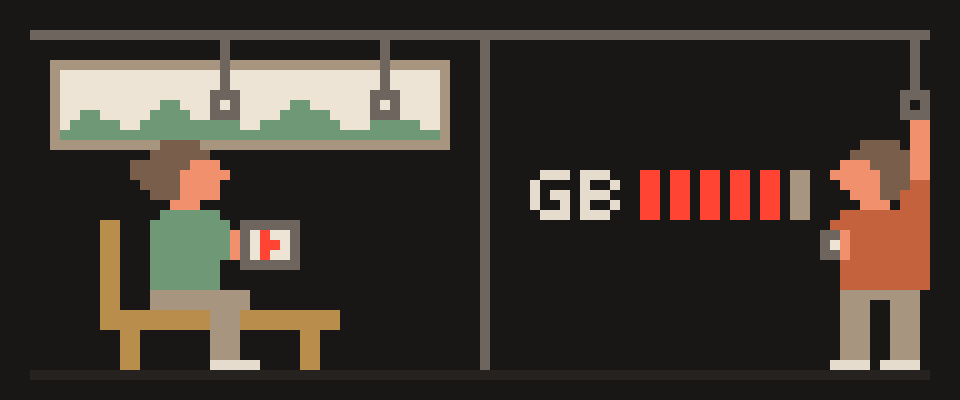
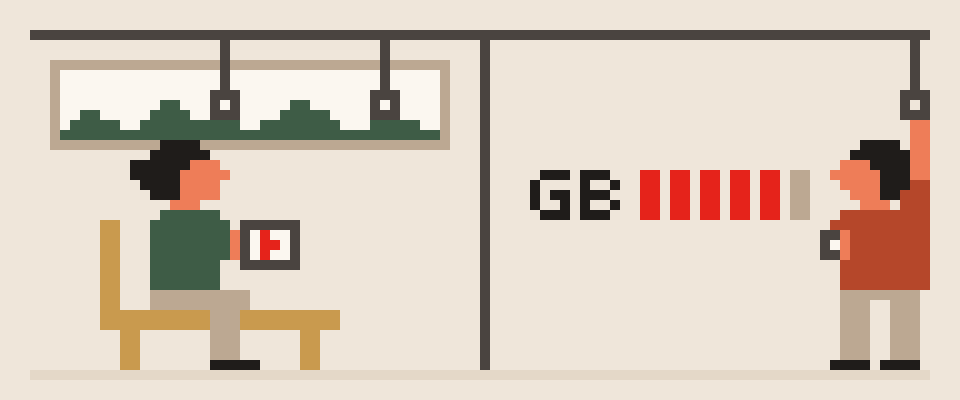
A VPN does use battery, but on a modern phone with a light protocol it's a small addition, not "half the battery." Power goes to two things: encrypting every packet and keeping the tunnel alive in the background.
WireGuard and VLESS do both cheaply; OpenVPN is noticeably worse. Most of the drain that phone statistics attribute to the VPN actually belongs to the apps whose traffic passes through it.
bar length: share of the total

screen and apps    ▇▇▇▇▇▇▇▇▇▇▇▇
cellular radio     ▇▇▇▇▇
VPN encryption     ▇▇
VPN keepalive      ▇
    └─ stats blame the VPN for the
       apps running through it
Why a VPN uses battery
- Encryption. Modern ciphers (ChaCha20, AES with hardware acceleration) chew through gigabytes with almost no CPU. On any phone from the last several years you're looking at a fraction of a percent.
- Keeping the tunnel alive. To stop your carrier's NAT (address swapping at the edge of a network) from dropping the connection, your client sends small keepalive packets every so often, and each one briefly wakes the radio. WireGuard does this every 25 seconds and is silent when there's no data; OpenVPN maintains more state and talks more often.
- Reconnections. Every network change means a new handshake. WireGuard's is a single cheap exchange; OpenVPN's is heavy. On a train, or anywhere you keep bouncing between Wi-Fi and mobile, that difference adds up.
- The radio. The biggest drain isn't encryption, it's transmission. The VPN adds a small header to each packet, so your radio stays on a little longer. That's the real bill.
the radio             ||||||||||
the screen            ||||||||
reconnection churn    |||
encryption itself     |
   └─ the cost is keeping the radio
      busy, not doing the math
Why battery stats blame the VPN app
Android and iOS attribute data and battery to the app that initiated the traffic. With a VPN on, everything passes through the VPN app, and the system charges all of it to the VPN: video, photo sync, updates. So your VPN "uses 20%" when without it that same 20% would have been charged to YouTube and the cloud. To see the real cost, compare total drain across a day with and without the VPN at similar usage, not the VPN line in the statistics.
the system counter attributes every
app's traffic to the VPN entry
  └─ so the VPN sits at the top
  └─ but that is other apps' usage
     passing through it
How to measure VPN battery drain
- A day without the VPN, normal use: battery in the morning and evening, screen-on time.
- A day with the VPN, similar use.
- The gap in percentage points at similar screen time is what the tunnel actually costs you. If it looks big, the cause is probably in the list below.
[ ] one day without, note the percent
[ ] one day with, same routine
[ ] same screen brightness
[ ] same network conditions
[ ] compare the gap, not the VPN line
What makes a VPN drain more battery
- OpenVPN, especially in TCP mode.
- A bad connection: lost packets get resent and the radio works longer. Not the VPN's fault, but you'll still see it in the battery screen.
- Frequent reconnections from unstable Wi-Fi or aggressive battery management that kills the tunnel and then rebuilds it.
- A server far from you: more retransmissions, more waiting around.
- Multi-hop: two encryptions instead of one.
weak signal
constant reconnection
a distant server
an aggressive keepalive
   └─ the first two outweigh
      everything else combined
a closer server
a stable network
a longer keepalive interval
removing battery restrictions so it
stops dying and reconnecting
How to reduce VPN battery drain
- WireGuard or VLESS instead of OpenVPN.
- A nearby, unloaded server: fewer losses, fewer retries; latency is on the server list.
- Unrestricted in battery settings for your VPN app. Yes, that sounds backwards. But the restriction is what creates the kill-and-reconnect cycle, and that costs you more than a tunnel left quietly alone. The Android setup is in how to set up a VPN on Android.
- Split tunneling: heavy background traffic that doesn't need privacy outside the tunnel.
- Updates on Wi-Fi and while charging: not about the VPN, but the main background consumer.
- Wi-Fi over mobile data where you have the choice: the Wi-Fi radio is cheaper.
Battery numbers are easy to misread. Hand over what your phone reports.
Help me read my phone's battery statistics.

What the battery screen shows: (which apps are at
the top, and roughly what share each has).
The VPN app's share: (what it says).
Phone: (model, system version).
Signal where I usually am: (strong / weak /
varies).
Tunnel server: (nearby / far away).

Say how much of that share is really the tunnel
and how much is other apps' traffic passing
through it.
Tell me what would actually reduce the drain here.
Should you turn it off to save power?
Not on a network you don't know: you save almost nothing and give up the protection completely. At home on your own Wi-Fi, that's your call. Honestly, the setup worth copying is auto-connect on networks you don't trust and manual control at home, so you never have to think about it in the one place it mattered. What a VPN does and doesn't protect on a phone is in what is a VPN.
How much data, rather than battery, a VPN uses is covered separately in does a VPN use more data.
404 VPN uses the two most efficient protocols: VLESS in its Android and macOS apps, and WireGuard as a config file for Istanbul and Marseille that you get from the dashboard and import into the WireGuard app. Get started here.